Jump to a section (11)
- 01What this week’s plan is telling you
- 02How to identify your Hunter controller
- 03The one thing to know about a Hunter dial
- 04An honest review of the Hunter boxes
- 05How to run your Hunter by hand
- 06If you have a Hydrawise (no dial)
- 07Running it from your phone
- 08The watering rules that apply either way
- 09Want it to run itself? The optional schedule (dial models)
- 10Our approach to lawn watering and when to call an irrigation contractor
- 11Frequently Asked Questions
Two brands of irrigation controller keep turning up in the Southwest Florida garages we work in. One’s a Rain Bird. The other’s a Hunter, and if the box on your wall has a round dial reading things like RUN and SYSTEM OFF, you’re in the right place.
I’m Adam, founder and lead tech at Waves. If your sprinklers have stopped, look at the dial first. On these Hunter dial controllers, nothing waters unless the dial sits on RUN. A box parked on SYSTEM OFF can look broken even when its stored programs are intact.
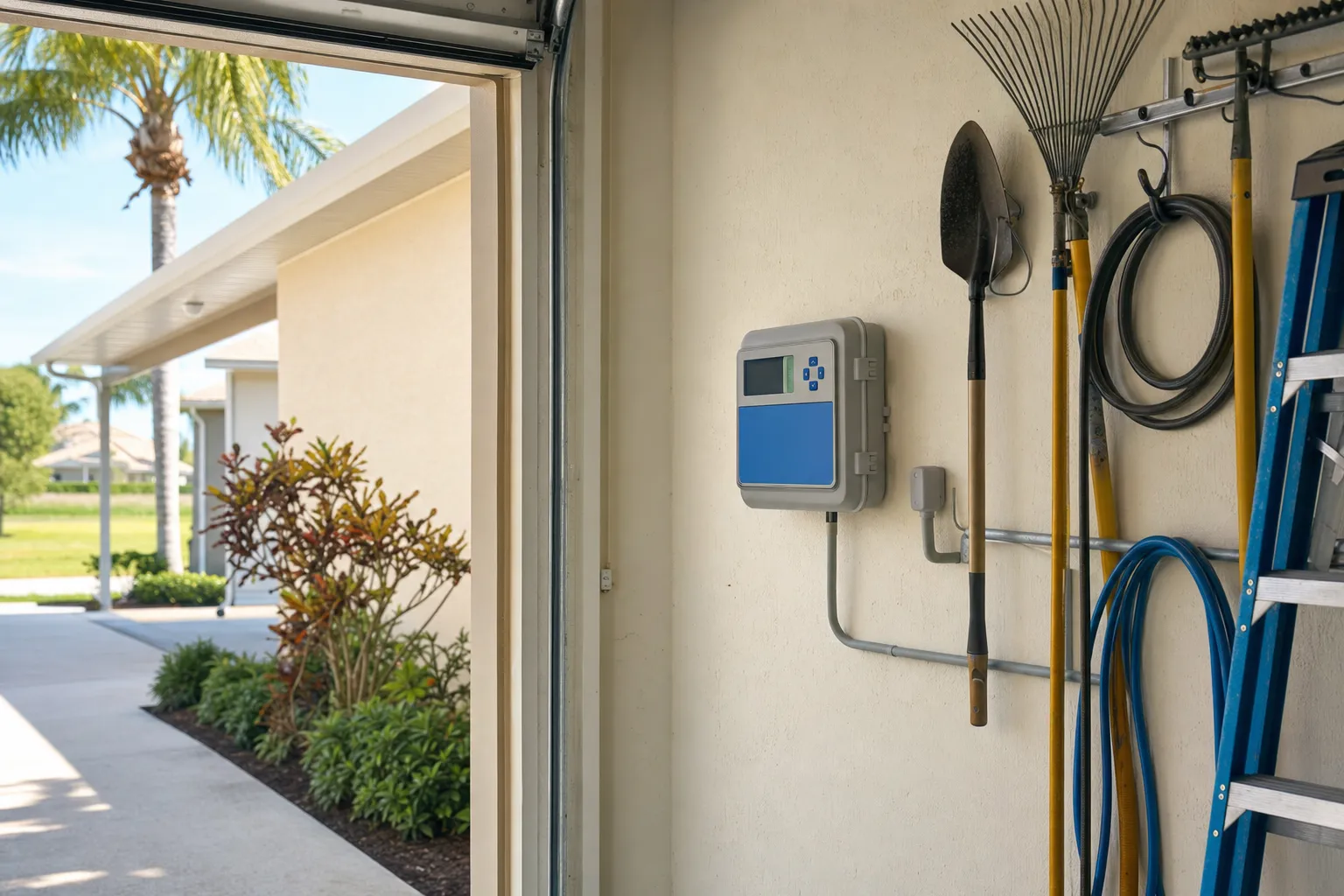
If you’re on our Sarasota lawn care plan, or anywhere from Bradenton down to Venice, you already get a weekly watering plan from us with the minutes for your yard. This guide is about the box itself: which Hunter you have, an honest take on the ones we see, and how to run yours by hand off that plan. Every dial position and button name below matches the Waves Hunter guide, which we keep current. Not a lawn customer yet and want a plan built for your grass? Get a Lawn Care Estimate.
What this week’s plan is telling you
The weekly watering plan Waves lawn customers receive does the thinking on when and how much. Every section below leans on it, so read this part once and refer back.
- How many runs. Some weeks it asks for a single run. Where your address gets more than one permitted day, it can ask for more. Do what it says for each run it lists.
- The minutes. Usually you get minutes per grass zone. When the head type saved for your yard is missing or mixed, the plan skips the minutes and gives you a full cycle by events instead. If you see that, follow the plan’s own full-cycle wording and don’t plug in a number it never gave you.
- A hold week. A hold almost always carries a condition rather than meaning “do nothing.” The plan might tell you to run a fallback cycle if the grass shows wilt signs. On the St. Augustine most SWFL lawns are made of, that looks like folded blades, a blue-gray cast, or footprints that stay pressed in, which is UF/IFAS’s own cue to water. It might also tell you to run if you missed the previous week. The only week that means no watering at all is one where irrigation isn’t permitted. Read the condition and follow it.
- The rain check, before every run. This one rides on every run, whether the plan flags it or not. Our afternoon storms can drop half an inch in a hurry, so if half an inch or more falls before a run, skip that run, not the whole week. Measure it since your last permitted watering day when the plan asks for more than one run. For the first run of the week, measure from the start of the week, so rain that fell after last week’s final watering day but before this week began doesn’t cancel it. UF/IFAS makes the same point: after a good soaking you can back off (Watering Your Florida Lawn).
- The day. The plan never names a weekday. It says “your permitted watering day.” Your assigned day (or days) and your county’s allowed hours come from your county’s water-restriction lookup, and they change with the current water-shortage order.
A hand run counts exactly the same as a scheduled one under those rules. More on where to check your day in a minute.
How to identify your Hunter controller
X-Core. A compact dial box with a rain-sensor slide switch on the faceplate. It suits a straightforward yard: turf plus a couple of bed zones.
X2. Looks and drives a lot like the X-Core, with a dial and a rain-sensor switch on the faceplate. For most homeowners it behaves the same way day to day.
Pro-C. A bigger box that takes zone modules, so it’s the one you’ll find on larger properties with more zones. Same dial logic as its smaller siblings.
Hydrawise (HC / Pro-HC / HPC). No dial at all. You get a touchscreen face and the Hydrawise app over Wi-Fi. It suits someone who wants to schedule and check from a phone and has solid Wi-Fi out at the controller.
The one thing to know about a Hunter dial
Nothing waters unless the dial is on RUN. SYSTEM OFF is a real, deliberate position that shuts every zone down until you turn the dial back. So a box sitting on SYSTEM OFF reads as broken to most people. The Start Times, Run Times and Water Days stored inside are usually untouched. Move the dial to RUN and it all comes back.
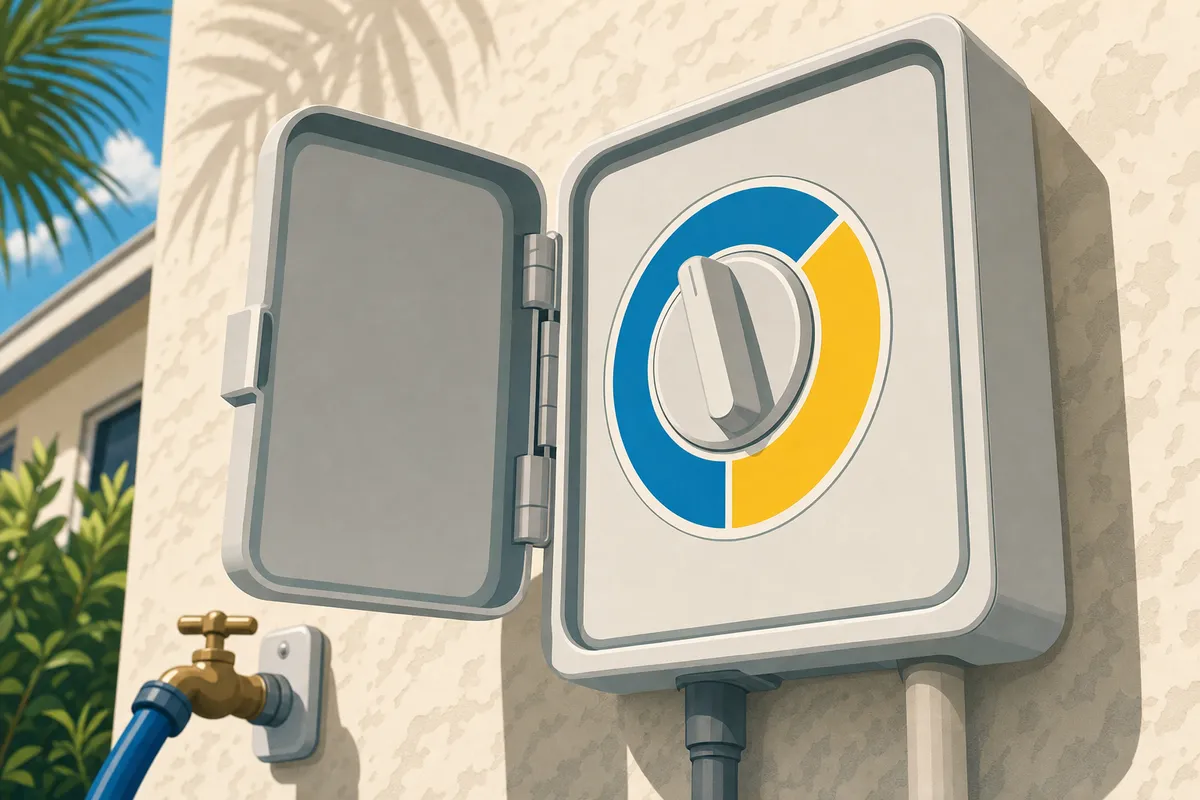
Illustration only. Use the labels on your own Hunter controller for the steps below.
Pro tip: Before you change a thing, snap a phone photo of the current Start Times, Run Times and Water Days for every program. If you ever want to hand the box back to a schedule, or an irrigation contractor asks what was set, you’ll have the original.
An honest review of the Hunter boxes
Here’s our practical take on the controls and the tradeoffs between these models.
What we like: the one-touch manual start makes the weekly move quick once your grass program is set. The rain-sensor bypass is a labeled slide switch you can flip without digging through a menu. The Pro-C grows with modules when a yard adds zones. And Hydrawise puts scheduling in an app if that’s how you’d rather work.
What we don’t love: four start-time slots across three programs (A, B and C) leave a lot of room for an inherited schedule to hide, watering on days and times you never chose. On these dial models, the Manual dial position runs a single station, while a whole-lawn run uses a stored program. Hydrawise’s phone controls need Wi-Fi and an account, though its touchscreen also allows local manual watering.
| Feature | X-Core / X2 | Pro-C | Hydrawise (HC / Pro-HC / HPC) |
|---|---|---|---|
| Dial or app | Dial | Dial | Touchscreen + app |
| Add more zones | Comes in set sizes | Yes, with zone modules | Model-dependent |
| Start it by hand | One-touch right-arrow start; Manual One Station for one zone | One-touch right-arrow start; Manual One Station for one zone | From the touchscreen or the app |
| Rain-sensor control | Slide switch (Active / Bypass) | Slide switch (Active / Bypass) | In the app (no slide switch) |
| Best for | Most homeowners running the weekly plan by hand | Bigger yards that may add zones | Wi-Fi households who want app scheduling |
How we see the Hunter boxes on SWFL walls. Controls per the Waves Hunter guide. No prices, no ranking.
How to run your Hunter by hand
Controls only here. When and how much always come from the plan section above. These positions and steps follow the Waves Hunter guide and Hunter’s instructions for the X-Core, X2, and Pro-C.
One-time setup (do this once):
- Find the model name on the faceplate so you know which box you’ve got.
- Confirm PROGRAM A holds your grass zones and nothing else. The one-touch start defaults to program A, and the steps below leave that default selected, so your grass minutes have to live there. If beds or drip are mixed into program A, skip the rest of this setup and use the mixed-yard steps below.
- With a grass-only program A, turn the dial to Run Times and enter this week’s minutes for each grass zone. If your plan gives a full cycle by events instead of minutes, follow that wording and don’t invent a number.
- Turn the dial to Start Times and clear all four slots in the grass-only program. Use PRG to check the other programs too: if every zone is manual, clear all four slots in B and C; if a separate bed or drip program still runs automatically, leave its start times alone and remove grass zones from it so they don’t run twice. Each start time launches a whole program, not a single zone.
- If every zone on the controller is manual, you can rest the dial on SYSTEM OFF between runs. If beds or drip still run on their own automatic schedule, leave the dial on RUN, because they need it there.
Each run the plan asks for:
- Turn the dial to Run Times and refresh the minutes for every grass zone from this week’s plan. Stored numbers go stale, so this step matters every single time. (Events-only plan? Follow its full-cycle wording instead.)
- Do the rain check first. If half an inch or more has fallen before this run, skip it and stop here.
- Turn the dial to RUN, then hold the right arrow about two seconds until station 1 appears. Release it and let program A begin after the brief pause.
- Add up your zone minutes so you know how long the cycle takes, and let the whole thing finish. Moving the dial off RUN mid-cycle stops the run.
- When it’s done, and only if every zone is manual, turn the dial back to SYSTEM OFF the same day.
Mixed yards (beds or drip share the box): keep those programs as they are, zero out the grass zones inside them, and leave the dial on RUN. For each grass zone, turn to Manual One Station, select the zone and this week’s minutes, then return the dial to RUN to start it. Repeat one zone at a time. Hunter says Manual One Station can bypass an active rain sensor on these controllers, so make the rain check yourself before starting. Don’t park a mixed-yard controller on SYSTEM OFF, or the beds and drip stop watering right along with the grass.
If you have a Hydrawise (no dial)
Run your grass zones from the touchscreen or the app for the plan’s minutes, and do the same rain check before each run. Schedule beds and drip separately, on their own irrigation guidance. Their durations come from emitter output and what the plants need, and the weekly plan’s minutes are turf-only, so don’t copy turf times onto them and don’t assume they need less time than turf. Low-flow drip often needs longer. When you want a grass zone to stop running automatically, remove it from the automatic program rather than deleting a program other zones still depend on.
Running it from your phone
Hydrawise models (HC, Pro-HC, HPC) already work with the Hydrawise app. Run grass zones the way the Hydrawise section above describes, with your plan’s minutes and run count.
For the X-Core and Pro-C, use the hand-run steps above. The X2 can join the app with Hunter’s WAND module, sold separately (check current pricing). Hunter’s X2 with WAND support page has the requirements and the setup steps. Follow its order, including when to plug the WAND in.
Plan for what changes before you plug it in. With the WAND installed, Hydrawise takes over the schedule and settings, so the schedule stored in the box stops, beds and drip included. Have any bed or drip schedule ready to set up in the app, and set grass runs there too. Manual Start/Stop Station and Test All Stations still work from the buttons at the box. The dial must stay on RUN, which means the SYSTEM OFF resting position and the dial programming steps above do not apply to a WAND timer. Hunter says the X2 goes back to the programs and settings stored at the dial if the WAND is removed, so any start times still stored there run again on their own. Check them before you pull it.
Once the X2 is in Hydrawise, run grass zones from the app the way the Hydrawise section describes. A run started from the app counts the same as any other run.
Waves doesn’t install, set up Wi-Fi on, configure or repair irrigation controllers. WAND or app trouble goes to Hunter’s support, and hardware trouble goes to an irrigation contractor.
The watering rules that apply either way
A hand run counts the same as a scheduled one, so run it only on your assigned day and inside the allowed hours. Those depend on the current water-shortage order and local rules, and they change, so check the source rather than trusting memory. Check the Southwest Florida Water Management District’s current restrictions and local government restrictions for your address before you set a day.
Our sandy soil drains fast and holds only about an inch of water in the top foot, per UF/IFAS, so deep and less-frequent watering works better here than a daily sprinkle, and overwatering harms turf more than a skipped run does. If you’re not sure which way your lawn is leaning, we broke it down in overwatering vs underwatering. And when we’re scheduled out for a lawn treatment, a few minutes of prep helps us do a better job.
Want it to run itself? The optional schedule (dial models)
Most people we work with are happy hand-starting one program a week. If you’d rather the box handle it, here’s the honest version, and it still needs a weekly look.
- Set the current date and time, and check AM/PM twice. A noon-versus-midnight mix-up is the classic reason a Hunter waters at lunch.
- Use one grass-only program.
- Enter this week’s minutes per zone under Run Times (if the plan gave a full cycle by events, use its wording instead).
- Pick a single start time so the whole cycle both begins and finishes inside your county’s allowed hours. Add up every enabled zone’s minutes first, because a multi-zone program started near the end of the window keeps watering past the cutoff. Turn the other three slots OFF.
- Set Water Days to the assigned day (or days) for your address from your county’s lookup, covering every day the plan’s run count needs.
- Turn the dial back to RUN.
Leave Seasonal Adjust at 100%. It scales every run time you’ve stored by a percentage and stays applied until you change it, so anything other than 100% quietly changes the minutes you just entered. If a Solar Sync sensor is installed, Hunter says it can update Seasonal Adjust automatically; check the displayed adjustment before relying on stored minutes. Leave the rain-sensor slide switch on Active.
Keeping it honest week to week: a schedule repeats the same minutes on the same days until you touch it. So each week, update the stored Run Times when the plan’s minutes change, update the Water Days when the plan changes how many runs it wants, and suppress any run the plan skips. Suppression is fiddly, because one start time is shared by every selected day. Clearing it to skip one run also cancels the later runs you may still want. If your model offers a way to pause a single upcoming run, use that. Otherwise write the original start time down, clear it, and put it back before the next assigned day, since a cleared start stays cleared.
For a controller-wide rain delay, set it from the SYSTEM OFF position, then turn the dial back to RUN when you’re done. Leaving it on SYSTEM OFF means nothing waters once the delay expires. One catch: a controller-wide delay pauses every zone, beds and drip included. In a mixed yard, suppress the grass program on its own instead so your landscaping keeps its schedule. And the rain check still applies to a scheduled setup: check before each run and skip that one run when half an inch or more has landed.
Our approach to lawn watering and when to call an irrigation contractor
Waves does not install, adjust or repair irrigation. If a zone won’t come on with the dial on RUN, a head is broken or geysering, or the box itself faults, that’s a job for a licensed irrigation contractor. What we keep doing is tell you what to water and how long, week to week, so once the hardware’s fixed you know exactly what to enter.
For a weekly watering plan tuned to your grass, Get a Lawn Care Estimate, or see what’s included with our Sarasota lawn care.
Frequently Asked Questions
Where do I find my Hunter’s model name?
It’s printed on the faceplate, usually near the display or across the front panel. Once you have it, search that exact name on the manufacturer’s site, hunterirrigation.com, for the full manual.
Does SYSTEM OFF erase my programs?
No. SYSTEM OFF stops every zone from running, but your stored Start Times, Run Times and Water Days stay put. Turn the dial back to RUN and everything’s still there. Just remember that if beds or drip run automatically, leaving the dial on SYSTEM OFF stops them too.
Why did my sprinklers come on at noon?
Almost always an AM/PM mix-up on the clock. If the controller reads 12:00 as midday when you meant midnight, your start time fires twelve hours off. Reset the current time and double-check AM/PM, which is why I say check it twice.
Can I run just one zone?
Yes. Use the Manual One Station position to run a single zone for the minutes you want. For the whole lawn at once, start your grass-only program A with the one-touch right-arrow hold from RUN.
What does Seasonal Adjust do?
It scales every run time you’ve stored, up or down, by a percentage, and it stays applied until you change it. Because it’s persistent, it can quietly shrink your minutes without you noticing. When you’re following the weekly plan’s minutes, leave it at 100% so the numbers you enter are the numbers that run.
What’s the rain-sensor slide switch on the faceplate?
That’s your rain-sensor control, marked Active and Bypass. Active lets a connected rain sensor stop watering when it’s wet. Bypass ignores the sensor. Leave it on Active unless you’ve got a specific reason not to. Hunter notes that Manual One Station can override an active sensor, so always check for rain before a hand run.